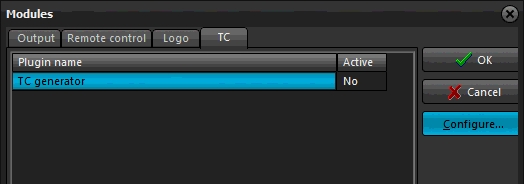
This plug-in allows for outputting LTC on the X-Pert Playout server sound card. Thus, you can synchronize external devices to the time code coming from X-Pert Playout.
To enable this plug-in, double-click in the Active column to the right.
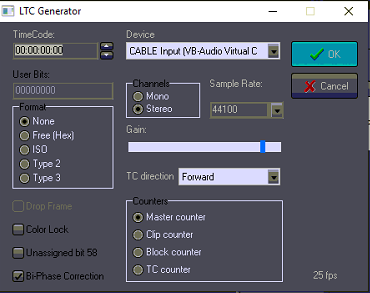
X-Pert Playout can output time code from most of its counters. You have to press Configure to select it. The available Counters are listed in the lower-right corner of the LTC Generator dialog. You can select the counting mode (for counters that support this feature) in the TC direction drop-down list.
Above you can select the output Device and set the output channel type and sampling rate.
The left-hand side of this dialog contains some basic LTC-related settings:
Time Code – this string shows the currently running timecode.
User Bits – Depending on the selected User Bits format (see below), you can preview and edit the output user bits here.
Format – these options are User-bits-related and reflect the most widely-used standards.