Configuring FLV/RTMP stream
First thing you need to do is add a Multiformat Streaming output.
Access the renderer's property page by clicking on Setup
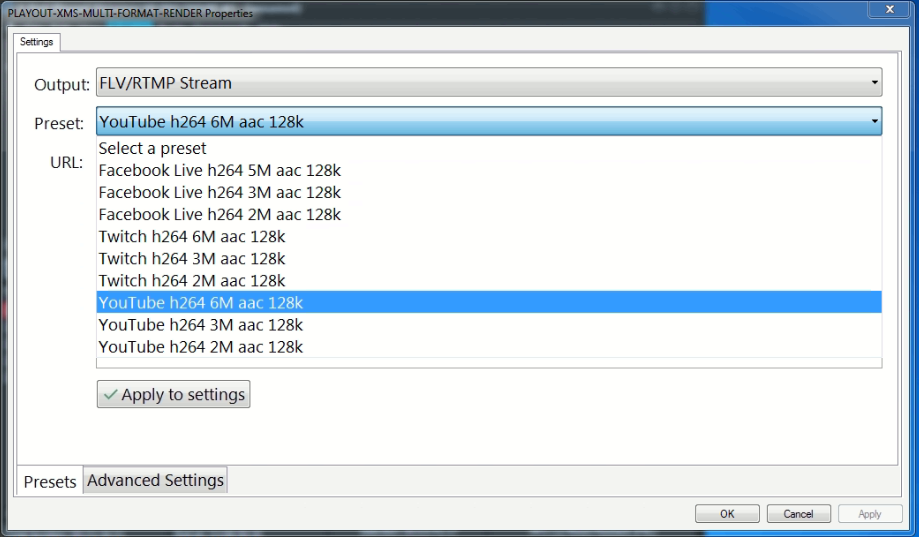
Go to Output and choose FLV/RTMP Stream
From the Preset column you have to find and choose relevant FLV/RTMP preset corresponding to the destination platform.
Once you select the desired preset, the URL will be filled automatically but you will need to specify the information as follows:
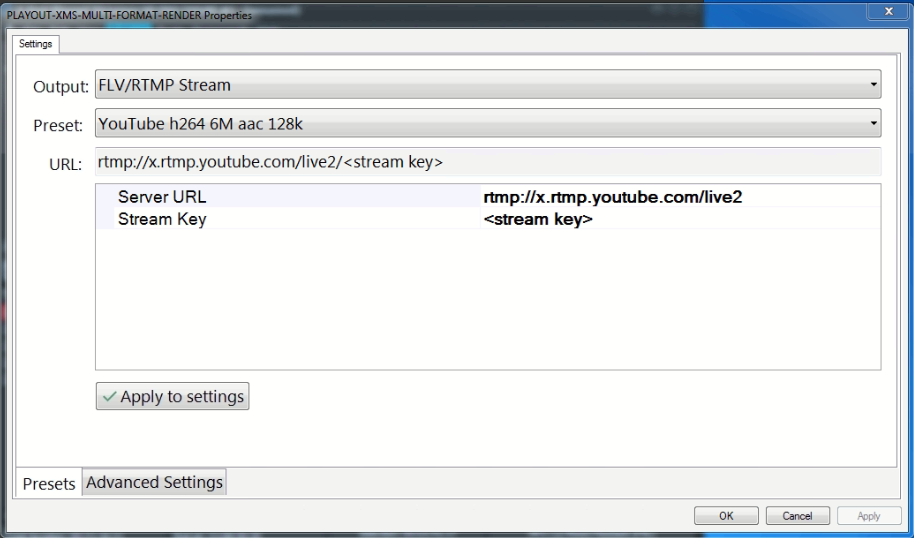
•Server URL - Provided by the destination platform
•Stream Key - Provided by the destination platform
To save the settings click on Apply to settings
Double-clicking on each of them will allows you to enter information.